
How to Create an Anime-Opening-Inspired Music Video with Sondo?
Create an Anime-Opening-Inspired music video with Sondo. Set up original characters, shape the story around the music, and refine scenes with editable prompts and lip-sync.
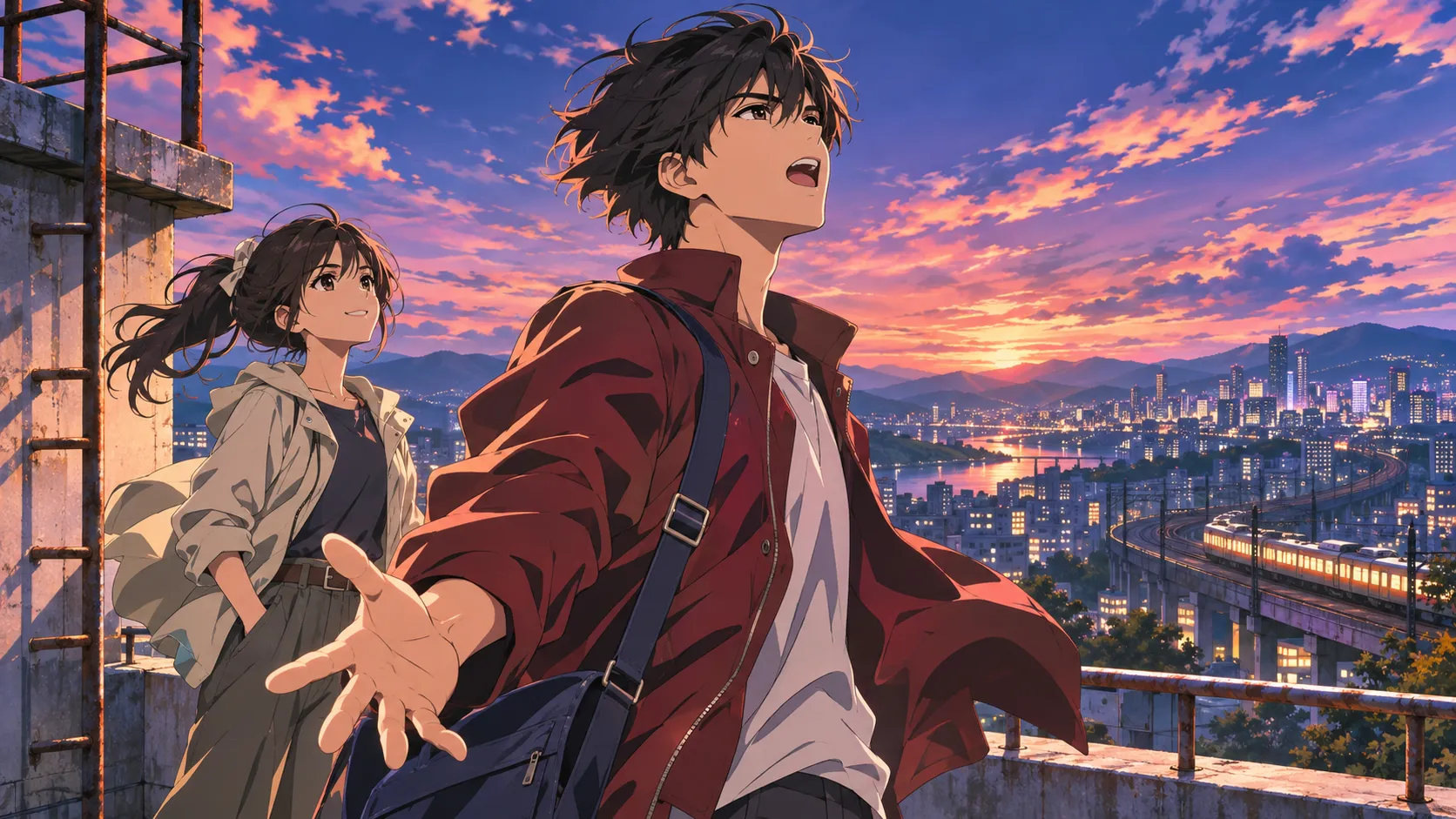
An anime opening introduces a character, establishes a world, and leaves an adventure waiting to happen. For an original music video, that structure gives the song a visual direction. Sondo’s character references and editable storyboard help creators develop the protagonist and refine individual scenes. The process begins with a clear goal, a suitable illustration, and music that supports the intended mood.
1. Give the Main Character a Reason to Begin
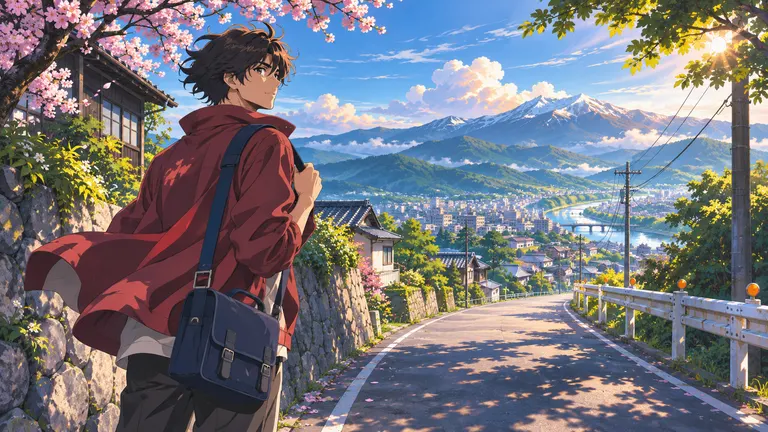
The protagonist needs a goal that can be understood through visible actions. Leaving home, finding a missing friend, or keeping a promise can give the sequence a direction. A courier setting out with an important letter offers one simple example; a departure and an uncertain destination establish enough story for an opening.
Before creating the project, the creator can summarize the goal, the setting, and the final moment in a few sentences. This preparation provides a useful reference when the generated storyboard needs changes. A useful opening reveals the character through choices and reactions, giving the audience a reason to stay interested as the music develops.
2. Set Up the Character in Sondo
In Sondo’s character library, creators can upload a character reference and save an accompanying description. A clear original illustration should show the features that matter on screen, including the face, hairstyle, outfit, and recognizable accessories.
The description can specify the character’s age range, clothing colors, expression, and overall visual style. Details should agree with the uploaded image. Conflicting outfits or several competing art directions make the intended appearance harder to communicate.
An anime-inspired illustration can establish the linework and color palette before the scene descriptions are developed. A small number of recognizable features helps keep attention on the protagonist as the setting changes.
Once saved, the character can be selected for a new project. Creators should carry the important appearance details into the scene descriptions and inspect the generated results. If the character needs refinement, Sondo’s Storyboard also allows changes to the character prompt and reference image. These references guide the result; checking the actual appearance remains part of the workflow.
3. Shape the Story Around the Uploaded Music
After uploading the song to Sondo, the creator can use its tempo, mood, and changes in intensity to develop the storyline. Listening for quieter passages, a stronger beat, or a sudden pause helps identify where the protagonist’s situation might change.
Slower passages can establish relationships or reveal hesitation. A quicker rhythm can support an emerging conflict, a pursuit, or an urgent decision. As the arrangement grows fuller, the story can reach a confrontation or emotional breakthrough. A softer ending can leave space for the character’s response.
These ideas can then be added to the story description in Sondo, explaining how the conflict develops and which moment forms the climax. The music provides a structure for the creator’s scene planning.
4. Revise Individual Shots After the Video Is Generated
After the video has been generated, creators can select a shot in the timeline and open Edit. Under Reference Photo, new images can be uploaded for the characters appearing together. Separate references for two characters can support scenes involving a farewell, confrontation, or reunion.
Creators can edit the storyboard in the Video Generation Prompt field, describing which character acts and how the other responds. Position, gaze, and gestures help communicate the relationship. For a tense encounter, one character might turn away while the other steps closer. The description should make each person’s role clear and retain the established anime style.
For a singing performance, creators can change Video Type from Common to Lipsync before regenerating the shot. The description should also reflect the singing action and remove conflicting instructions that prohibit mouth movement. This gives the opening room for both narrative interactions and performance moments.
5. Regenerate, Review, and Complete the Opening
After revising a description, creators can regenerate the affected shot and compare it with the neighboring scenes. The review should follow the character’s appearance, position, and any recurring object. An item held in one shot should still make sense in the next.
Watching the sequence with the song helps reveal moments that feel repetitive, confusing, or emotionally disconnected. A focused revision can address an unclear action or a distracting change in the setting. The final image should give the protagonist somewhere to go and leave the audience curious about what follows.
An original character and a song can become the beginning of a new adventure. Creators can create an AI anime music video with Sondo by uploading their music and character references, developing the story, and refining the scenes into an opening that introduces their own world.
FAQ
What reference image works for an anime-inspired music video?
A clear original illustration showing the character’s face, outfit, and defining features provides a useful reference. The description should match the image.
Can an anime music video combine story scenes and lip-sync performances?
Creators can use Common for narrative shots and switch selected shots to Lipsync for singing performances, then regenerate those shots.
Can the storyboard be changed in Sondo?
Creators can edit individual shot descriptions and regenerate the affected shots. Character reference images can also be refined in Storyboard.