
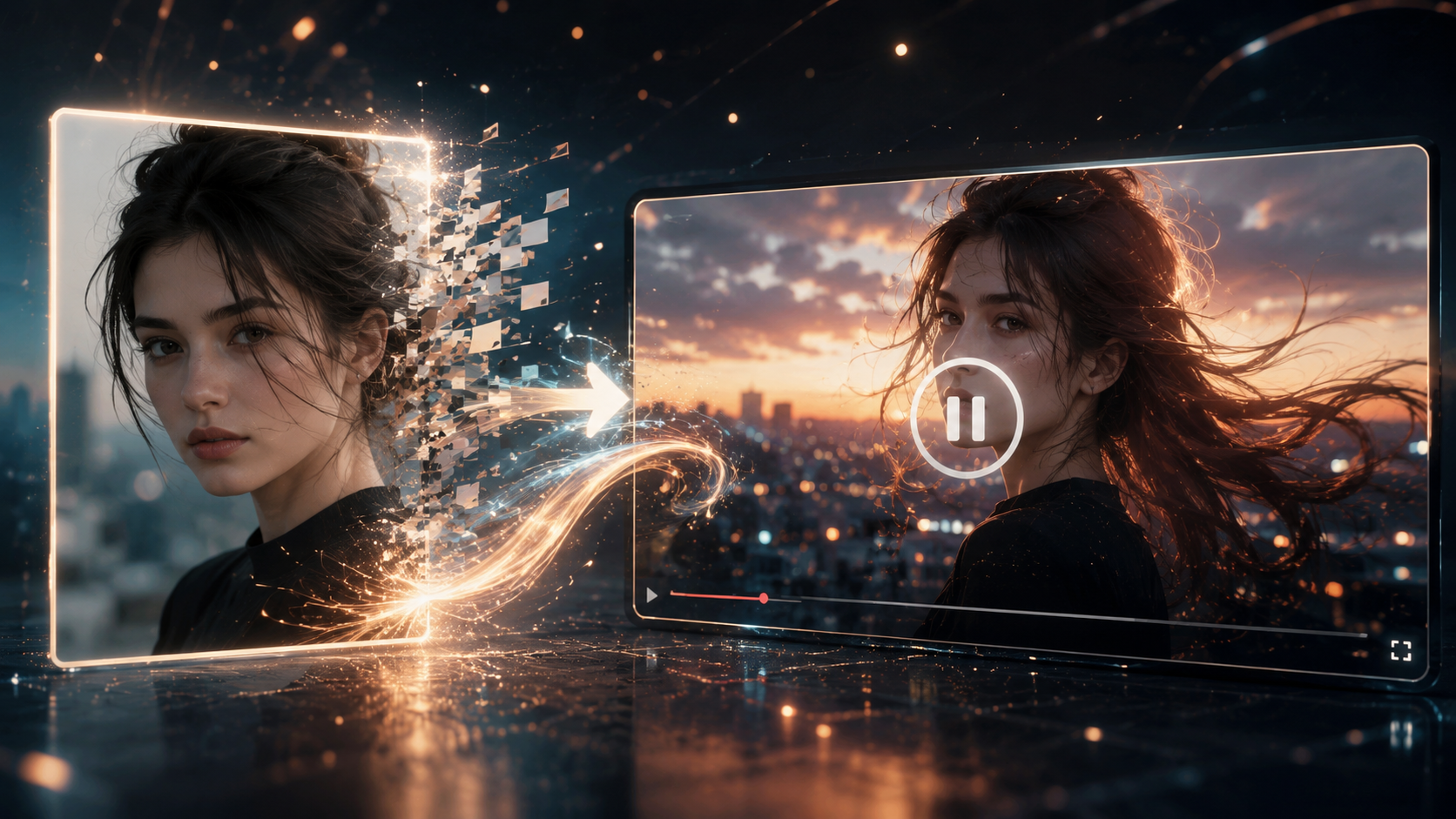
ChatGPT X Sondo AI: The Ultimate Workflow from AI Character to Music Video
Looking for an easy way to create a music video with AI? With ChatGPT and Sondo AI, you can transform AI-generated characters into complete music videos in minutes. Use ChatGPT to create consistent character designs and brainstorm creative ideas, then upload your music, images, and concepts to Sondo AI, which automatically analyzes the music, generates scripts and storyboards, applies intelligent lip-syncing, and produces a polished music video ready to share. Accelerate your creativity with AI and bring your ideas to life faster than ever.
With the combination of ChatGPT and Sondo AI, what was once a complex music video production process can now be completed in just a few minutes.
ChatGPT helps generate character designs and creative ideas, while Sondo AI transforms those ideas into complete music videos by automatically generating scripts, storyboards, lip-sync animation, and final video content. Together, they make professional-quality music video creation accessible to everyone.
Why Combine ChatGPT and Sondo AI?
The strength of ChatGPT lies in its ability to generate visually consistent, detailed character designs from simple prompts, while also helping creators brainstorm imaginative concepts and stories.
Sondo AI, on the other hand, specializes in transforming character images and music into music videos.
Together, they solve the two biggest challenges in music video creation:
ChatGPT: Solving the "Where Do Ideas Come From?" Problem
Many creators don't lack tools—they lack inspiration.
ChatGPT can help you:
Create original character designs
Develop character concepts
Generate music video ideas
Explore storylines and visual themes
Turning a simple idea into a complete creative concept.
Sondo AI: Solving the "How Do I Turn Ideas into Videos?" Problem
Once you have a character and a concept, production becomes the most time-consuming part of the process.
Sondo AI automates:
Music analysis
Script generation
Storyboard creation
Scene planning
Cinematic camera movements
AI lip-sync animation
Video generation
Allowing creators to focus on storytelling instead of learning complicated editing software.
How to Use ChatGPT with Sondo AI
The entire workflow takes just six simple steps.
Step 1: Create Your Character with ChatGPT
Start by creating the main character for your music video.
Examples include:
Anime characters
Virtual idols
Rap artists
Band members
Fantasy characters
Animal companions
To achieve the best consistency and visual quality, it's important to provide detailed character descriptions.
For example:
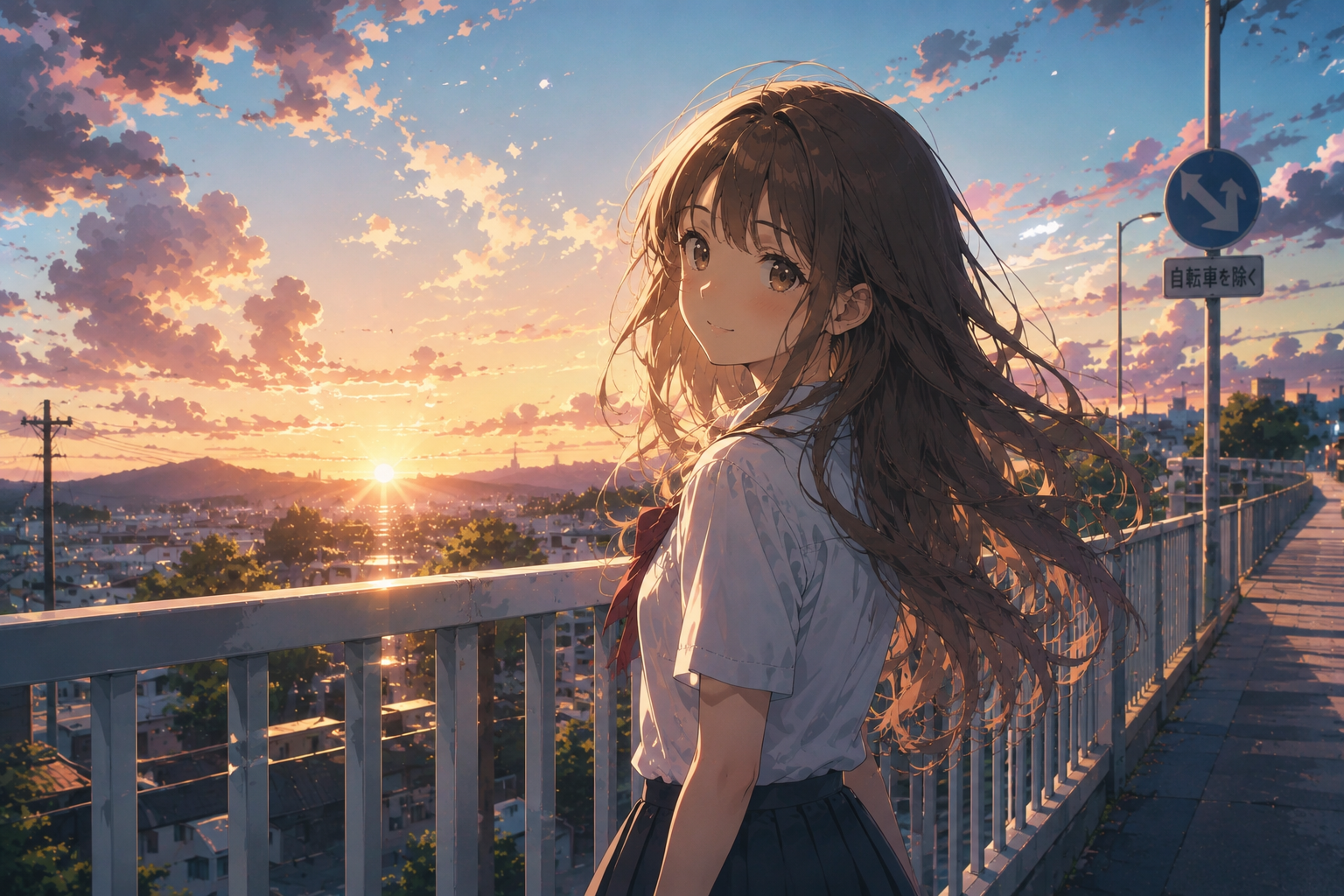
A Japanese high school girl in the style of Makoto Shinkai, with long wavy brown hair, wearing a school uniform, smiling gently while standing on a pedestrian bridge at sunset.
Or:
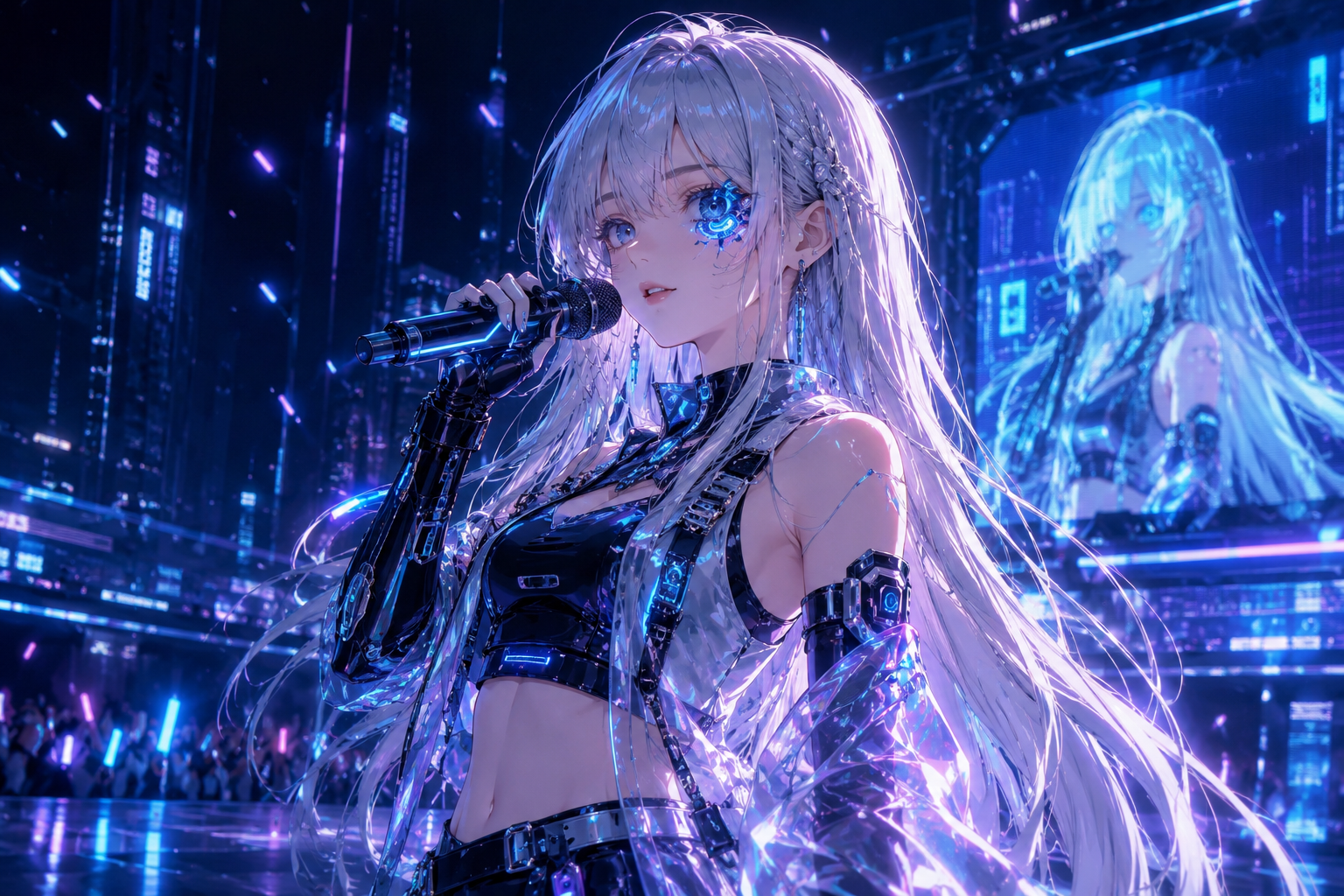
A futuristic cyberpunk virtual female singer with long silver hair, a blue mechanical eye, and a high-tech stage outfit.
ChatGPT can then generate character concepts and visuals based on your description.
The goal of this step is to create the main character for your music video.
Step 2: Brainstorm Creative Ideas with ChatGPT
Once your character is ready, it's time to define the story and visual direction.
ChatGPT can help generate ideas for:
Story Themes
Coming-of-age stories
Romance
Adventure
Inspirational journeys
Fantasy quests
Scene Ideas
Forests
Beaches
City nightscapes
Concert stages
Outer space
This step helps clarify your creative vision and gives AI a better understanding of what you want to create.
Step 3: Upload Music and Images to Sondo AI
After preparing your assets, upload them to Sondo AI.
This includes:
Music File
Upload your original song or instrumental track.
Character Images
Upload the images generated with ChatGPT.
Creative Description
Describe your video concept in a few simple sentences.
For example:
A young boy and his loyal Shiba Inu venture deep into an enchanted forest, following mysterious glowing lights. Along their journey, they discover a hidden secret garden filled with blooming flowers, magical creatures, and golden sunlight.
Step 4: Choose a Video Template
To help creators get started quickly, Sondo AI offers a variety of video templates.
Examples include:
Concert MV
Anime MV
Studio Performance MV
Rap MV
Oil Painting Style MV
Dreamy Fantasy MV
……
Templates help the AI better understand your desired visual style.
For beginners, this is often the fastest and easiest way to create a music video.
Step 5: Click Create and Let AI Generate the Video
This is the most important step in the workflow.
After clicking Create, Sondo AI automatically handles multiple stages of production.
Music Analysis
The AI analyzes:
Rhythm changes
Emotional progression
Chorus highlights
Song structure
Ensuring the visuals stay synchronized with the music.
Creative Understanding
Sondo AI interprets your character setup and story description to understand:
Who the main character is
Where the story takes place
What message the video should convey
This allows the AI to generate content that aligns with your vision.
Automatic Script Generation
The system creates a video script based on your music and creative concept.
No manual writing required.
Automatic Storyboard Creation
Sondo AI automatically plans:
Shot sequences
Scene transitions
Camera movements
Visual pacing
Creating a complete video structure.
Intelligent Lip Sync
If your character is singing,
Sondo AI automatically generates:
Accurate mouth movements
Singing animations
Facial expressions
Making performances look natural and believable.
Complete Video Production
The final output includes:
Character
Scene transitions
Camera movement
Lip-sync performance
Music-synchronized visuals
Resulting in a complete music video.
Step 6: Export and Share
Once the video is generated, simply export and publish it.
Whether you're promoting music, building a brand, or creating social media content, your video is ready to be shared across major platforms.
Workflow Overview
① Create a Character
↓
② Brainstorm Creative Ideas
↓
③ Upload Music, Images, and Ideas to Sondo AI
↓
④ Choose a Video Template
↓
⑤ Click Create
↓
⑥ Export and Share
FAQ
Can I use images generated by ChatGPT directly in Sondo AI?
Yes.
For the best results, we recommend using high-resolution PNG or JPG images.
We also recommend using high-resolution character reference images with a clear, unobstructed view of the subject. This helps the AI better recognize character features, maintain visual consistency, and generate more accurate character appearances throughout the video.
Do I need to write my own script?
No.
Sondo AI automatically generates scripts and storyboards based on your music and creative description.
Can beginners use this workflow?
Absolutely.
The entire process is designed for creators of all experience levels, with no prior video editing knowledge required.
ChatGPT helps you create characters and generate ideas. Sondo AI turns those ideas into videos.
From character creation and concept development to script generation, storyboard design, intelligent lip sync, and final video production, the entire process can be completed within a single streamlined workflow.
If you're looking for a fast and efficient way to transform AI-generated characters into singing, performing, story-driven music video stars, the combination of ChatGPT and Sondo AI is one of the simplest and most powerful solutions available today.