
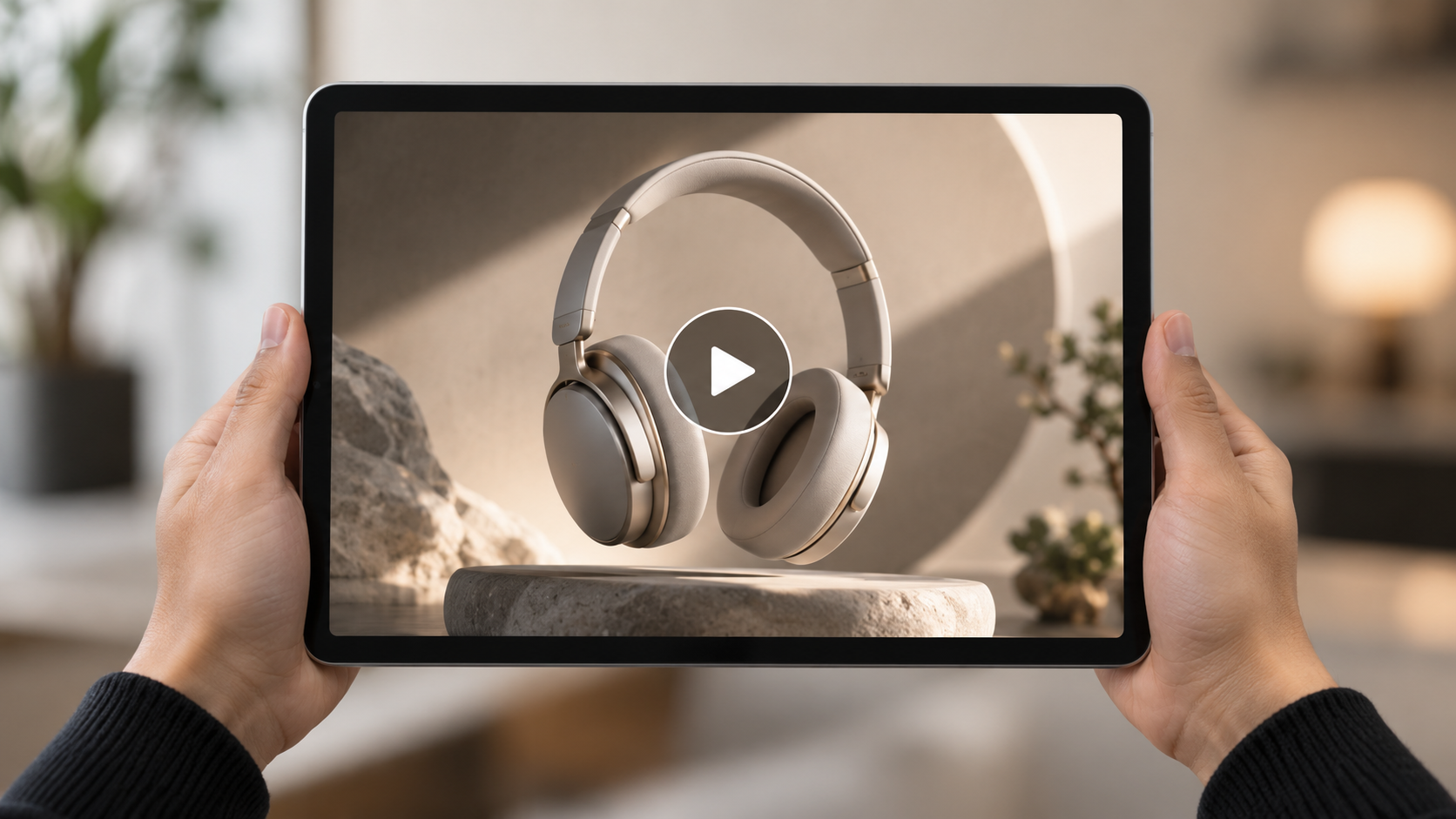
How to Make an AI Video Ad?
Learn how to make an AI video ad with product images, music, and clear creative direction, and see how Sondo AI simplifies the creation workflow.
A great video ad usually starts with one simple idea: make the product impossible to ignore. With AI, that idea can quickly turn into product close-ups, lifestyle scenes, and music-driven visuals. The key is knowing what to show, what to leave out, and how to keep everything working together.
How to Make an AI Video Ad
1. Define the Goal of Your AI Video Ad
Before thinking about scenes or visual style, decide what the ad needs to communicate.
An AI video ad can introduce a new product, highlight a specific feature, build brand awareness, support a product launch, or create short-form content for social media. The goal should influence the pacing, visual style, product exposure, and overall structure of the video.
A short ad does not need to explain everything. In many cases, one clear message is more memorable than several competing selling points.
2. Choose a Simple Creative Direction
Once the goal is clear, choose a visual direction that supports it.
A product ad might feel clean and minimal, energetic and fast-paced, lifestyle-driven, cinematic, or focused mainly on product details. The important thing is to keep the direction consistent throughout the video.
It can help to define the concept in a few words before generating anything. For example, the direction might be “premium and minimal,” “bright everyday lifestyle,” or “fast-paced product reveal.”
AI makes it easy to experiment with different settings and visual ideas, but more variety does not always create a better ad. A few connected scenes usually feel more cohesive than a sequence that constantly changes location, lighting, and style.
3. Prepare the Product Image and Music
The quality of the source material can have a major impact on the final result.
Start With a Clean Product Image
Use a high-resolution image where the product is clearly visible and easy to recognize. A simple or neutral background is often easier for the AI to interpret because there are fewer distracting elements in the frame.
The product's overall shape, materials, colors, and important design details should be clearly visible. Avoid images with heavy text, unnecessary objects, strong distortion, or complicated backgrounds.
If visual consistency matters, choose a reference image that represents the real product as accurately as possible.
Choose Music That Fits the Product
Music can shape the pace and mood of the entire ad.
A premium product may work well with cinematic, atmospheric, or minimal electronic music, while a sports or entertainment product may benefit from something faster and more rhythmic. Softer lifestyle content may call for warmer, more relaxed music.
The soundtrack should support the product's identity rather than compete with it. A clear beat can also create natural moments for transitions, product reveals, and changes in visual intensity.
4. Plan a Simple Ad Structure
Even a short AI video ad benefits from a basic structure.
A simple sequence might begin with a strong opening image, move into a clear product reveal, highlight one or two important details, introduce a lifestyle or environmental scene, and finish with a clean final product shot.
One useful structure is:
Hook → Product Reveal → Key Detail → Lifestyle or Feature Scene → Final Hero Shot
The structure does not need to feel rigid. Its purpose is simply to give the video a sense of progression and prevent the visuals from becoming a collection of unrelated shots.
For shorter social media ads, the opening is especially important. Viewers should be able to understand the product or visual idea quickly.
5. Give the AI Clear Creative Direction
This is where the prompt becomes useful, but it does not need to become a technical exercise.
Think of the prompt as a short creative brief. It should explain what the product is, how it should appear, what kind of environment surrounds it, how the camera moves, and what overall mood the video should have.
For example, a prompt for a pair of premium over-ear headphones might describe a slow product reveal on a dark stone pedestal, macro close-ups of the ear cushions and metallic details, soft directional lighting, smooth camera movement, and a restrained luxury atmosphere.
This gives the AI a clear visual direction without trying to describe every individual frame.
In general, the prompt should focus on what the viewer needs to see rather than filling the description with too many style words or complicated actions.
6. Generate the AI Video Ad With Sondo AI
Sondo AI keeps the workflow straightforward.
Start by uploading the music you want to use. Then add a clear product image and enter a short description of the video you want to create.
Sondo AI analyzes the audio, including elements such as rhythm, pacing, mood, and changes in musical intensity. These signals can help guide how the visuals progress alongside the soundtrack.
The product image acts as a visual reference, while the prompt provides creative direction for the setting, camera movement, lighting, and overall style.
Sondo AI then combines these inputs to generate the video.
The workflow can be summarized as:
Upload music → Add a product image → Enter a prompt → AI analyzes the inputs → Generate the video
This is particularly useful for music-driven advertising, where the soundtrack is part of the visual pacing rather than something added only after the video is finished.
7. Review and Refine the Result
AI generation should usually be followed by a careful review.
Check whether the product remains visually consistent from one scene to another. Look at its shape, proportions, colors, materials, logos, and other recognizable details.
It is also worth reviewing the pacing. A visually impressive scene may still feel unnecessary if it slows down the ad or distracts from the main product message.
Transitions, camera movement, text, and visual effects should all support the same creative direction. If one section feels too busy, simplifying it can often improve the final result.
How to Make AI Video Ads Look Better
Strong AI video ads tend to keep the product clearly visible and easy to recognize. Backgrounds, lighting, movement, and effects should support the product rather than compete with it.
Using fewer, stronger scenes can also improve visual consistency. Instead of changing locations constantly, build a small set of connected shots around the same creative idea.
Camera movement should match the tone of the product. Smooth push-ins, controlled rotations, and close-up detail shots can create a more refined feeling, while faster cuts and tracking shots may suit more energetic products.
Music should also influence the pace. Product reveals and transitions often feel more intentional when they align naturally with changes in rhythm or intensity.
Common Mistakes to Avoid
One common mistake is trying to communicate too many features in a short video. This can make the ad feel crowded and reduce the impact of the main message.
Another is using a weak or cluttered product image. If the source image does not clearly show the product, maintaining consistency becomes more difficult.
It is also easy to overuse effects, camera movement, or scene changes. Just because AI can generate dramatic visuals does not mean every scene needs them.
Finally, do not treat music as an afterthought. If the soundtrack and visuals feel disconnected, even a polished video can lose some of its impact.
Making an AI video ad starts with a clear product message, strong source materials, suitable music, and a focused creative direction.
AI can speed up visual production and make it easier to explore different concepts, but the quality of the result still depends on the choices made before generation begins.
With Sondo AI, creators can bring music, product images, and creative direction into one workflow, allowing the audio and visuals to work together from the start.
FAQ
How long should an AI video ad be?
It depends on the platform and campaign goal, but shorter videos usually benefit from a simple message and fast visual clarity.
What kind of product image should I use?
Use a clear, high-resolution image with the product fully visible and minimal background distractions.
Can I create an AI video ad without filming the product?
Yes. AI video tools can generate scenes from product images and creative instructions.