
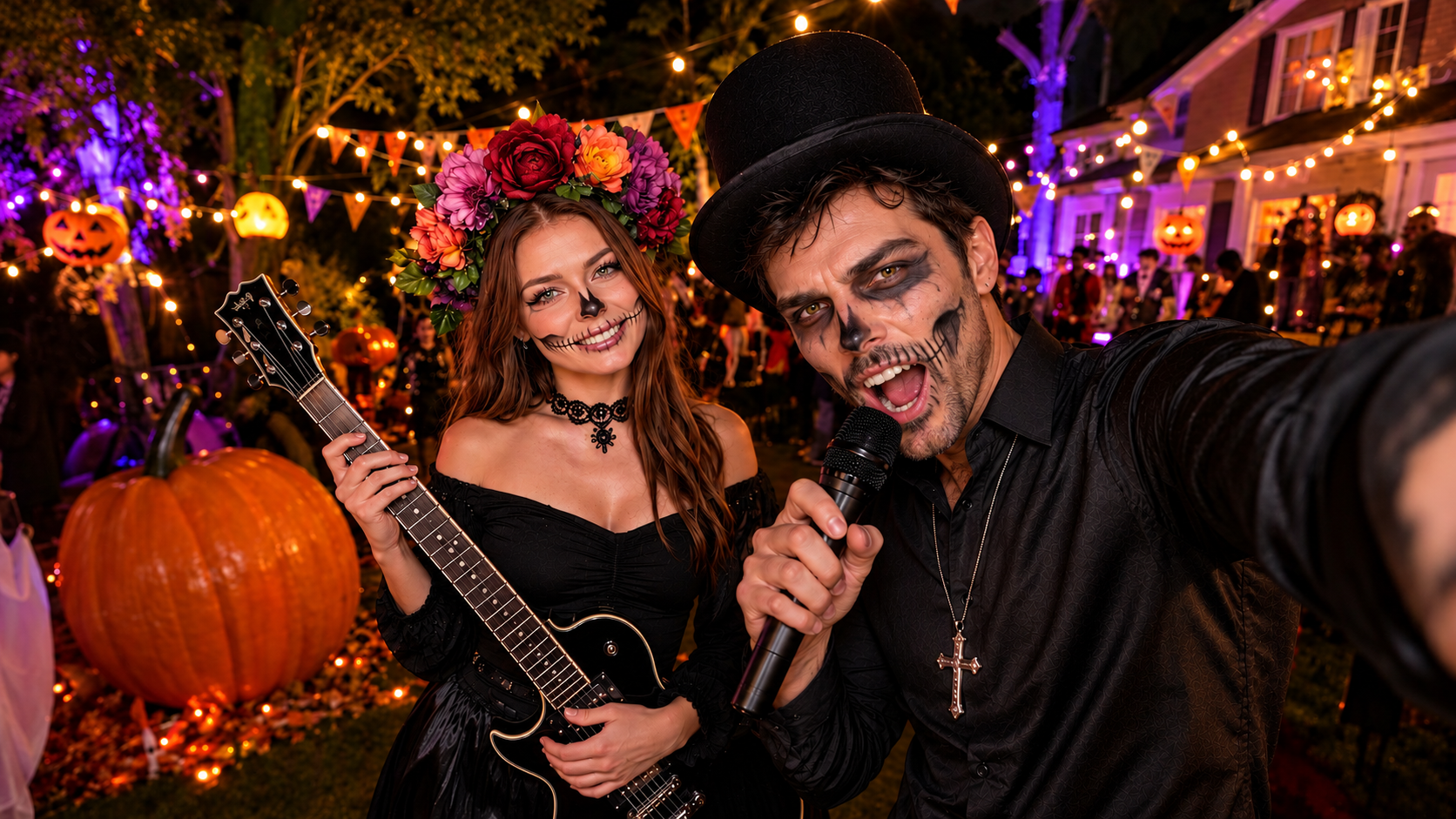
How to Make a Halloween Music Video
A practical guide to Halloween music videos with Sondo, covering character references, storyboard edits, seasonal templates, and a clear visual story.
A haunted house makes an unusual concert venue. Lanterns mark the entrance, an empty room becomes a stage, and the performer looks perfectly comfortable with the strange booking. A Halloween music video can turn a familiar song into a small theatrical event through its characters, setting, and story.
Sondo combines uploaded music, character references, and an editable storyboard. Those elements provide a practical foundation for a seasonal video, with room for playful costumes, quiet suspense, or an unexpected performance.
A Halloween mood that matches the music
The song provides the starting point for the visual direction. A bright pop track can support a mischievous costume party, while a slower melody can accompany a mysterious arrival. A consistent mood helps the scenes belong to the same world.
A limited palette and a recurring detail give that world a recognizable identity. Orange lanterns against deep blue walls establish a clear seasonal setting. One unusual object can connect several scenes without competing with the performer. Decorations work best when they support the action and leave the main subject visible.
A recognizable performer beneath the costume
A distinctive costume gives the performer a Halloween identity. In Sondo’s Character Library, creators can upload a reference image and describe the costume, appearance, and expression. The saved image and description provide character details that can be reused across projects.
A clear silhouette and a few consistent features make the outfit easier to follow as the camera angle changes. A collar, jacket, or mask can carry the theme without overwhelming the character. When expression is important, visible facial features help communicate the performance. Agreement between the reference image and written description gives the character a clearer foundation.
A short story with a seasonal payoff
The creation process begins with a song upload and a description of the characters, setting, and action. Sondo generates an initial script that creators can review and develop through the storyboard.
The story follows a male monster in a black-and-red sequin suit, with a pale face and glowing yellow eyes, leading a Halloween street parade. His direct gaze introduces the character before the scene opens onto a street filled with jack-o’-lanterns and colorful lights. He bends down to interact with children as the crowd gathers, bringing a playful warmth to his eerie appearance.
The celebration builds as zombies, werewolves, and costumed partygoers join the dance. Close-ups of dancing feet, pumpkin floats, and wider street views give the sequence variety while keeping the parade at its center. The finale brings the action together: the lead monster spreads his arms at the front of the crowd as the surrounding characters celebrate. This progression moves from a striking character introduction to a shared street party with a clear musical payoff.
Storyboard details that make suspense readable
Each storyboard scene determines what the audience sees and when a detail becomes clear. Creators can refine the shot description by specifying the main action, framing, and point of attention. A focused description gives the character’s expression or gesture enough prominence to carry the moment.
The monster’s direct gaze introduces an eerie presence before a wider street view reveals the festive surroundings. His interaction with children brings warmth to the sequence, while closer views of dancing feet lead into the group celebration. This progression gives the parade a clear change in mood and scale.
Sondo allows scene descriptions to be edited and individual shots to be regenerated. When a frame feels crowded, reducing competing actions can give the lead monster a clearer presence. Reviewing the revised shot alongside its neighbors helps maintain continuity between the character introduction, street interactions, and finale.
Continuity through the shadows
The generated sequence needs a continuity check. The costume remains recognizable, recurring objects retain their role, and the rooms belong to the same visual world. Dark scenes still need sufficient visibility for the action and performance to register.
Reviewing the video with the song also reveals whether the visuals support its energy. The discovery needs enough space to be understood, and the performer needs a clear presence during the musical payoff. A crowded scene can be simplified through its description before the individual shot is regenerated and reviewed.
A Halloween template brings the idea to the screen
A sample video can also be generated in one click using a Sondo Halloween template. Template generation offers a convenient route if you prefer to begin with an existing visual direction.
You can start a Halloween music video in Sondo with a template or develop an original storyboard around their song. Either approach gives the season a performer, a setting, and a soundtrack. The haunted house finally has something on its calendar.
FAQ
Does Sondo support uploaded songs?
Yes. Sondo’s music video creation page accepts uploaded music.
Can scenes be changed after the storyboard is generated?
Yes. Scene descriptions can be edited, and individual shots can be regenerated.
How can a Halloween music video stay visually consistent?
Consistent character references, costume details, and a limited color palette help connect the scenes. Reviewing the generated shots makes unwanted changes easier to identify.