
How to Make a Birthday Music Video Gift with Sondo
Create a birthday music video gift with Sondo using a photo, a song, and a personal idea. Explore creative themes and make the recipient the main character.
A birthday music video gives a familiar face a starring role and turns personal details into a celebration. A favorite song, a shared joke, or a memorable evening can provide the starting point for a gift that feels connected to the person receiving it.
1. What Is Needed: One Photo, One Song, and One Idea
The starting materials are simple: a clear photo of the recipient, a chosen song, and a creative idea. The photo guides the main character’s appearance, while the music establishes the feeling of the video.
The idea connects those elements. A friend’s love of dancing might lead to a surprise party story, while a shared holiday could inspire a musical adventure. One recognizable personal detail gives the video a focus and makes the creative decisions easier to connect. The idea can be written in one sentence before the scenes are developed.
2. Creative Birthday Music Video Ideas
A headline performance gives the recipient a playful moment in the spotlight. A favorite hobby can become the main event, with a familiar activity developing into a celebratory performance.
A dream day builds the story around something the recipient loves. A favorite destination, an outdoor adventure, or an evening under city lights can become the setting for a short birthday journey. A few personal details keep the setting connected to the recipient.
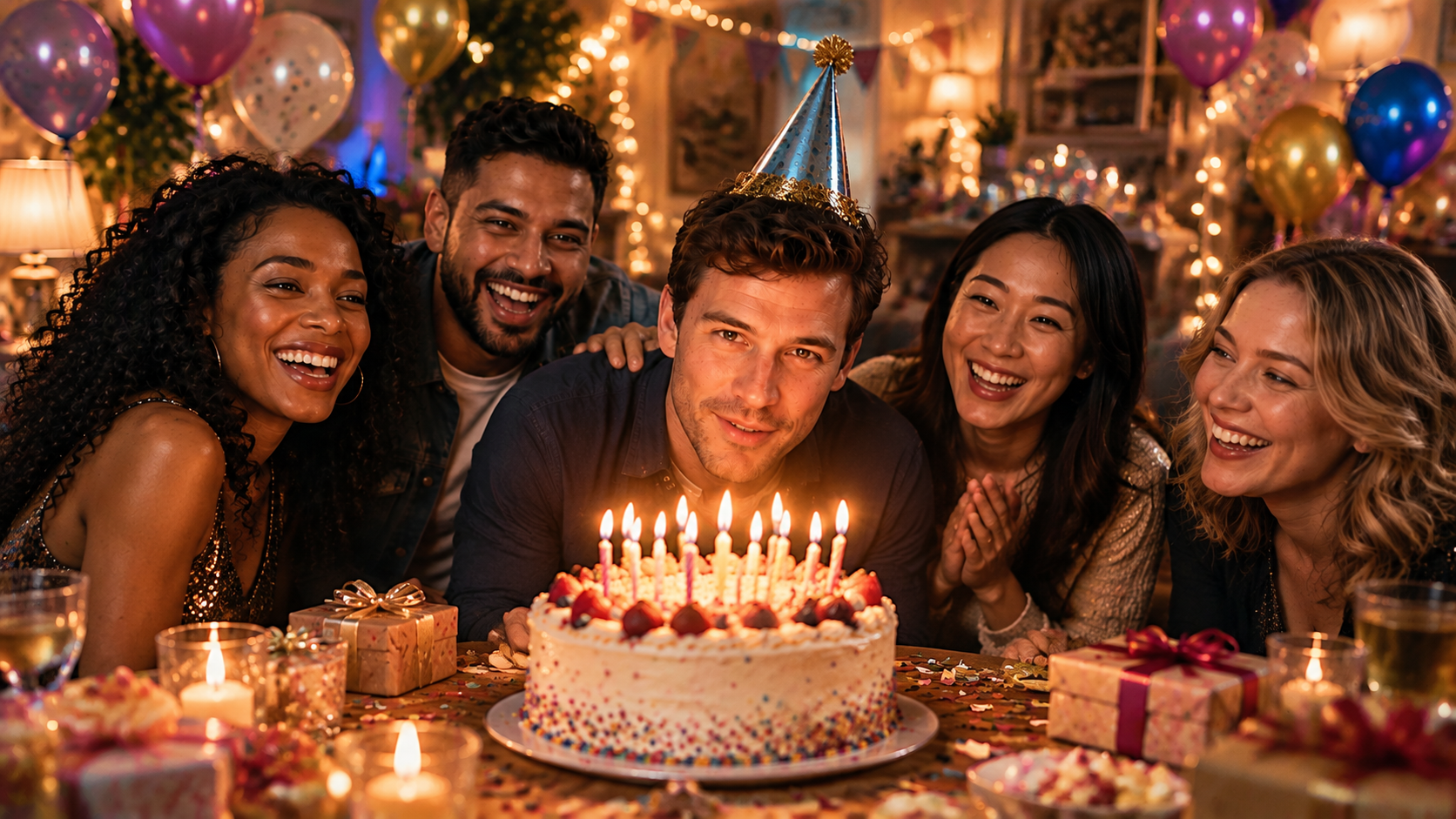
A surprise party creates a clear change in mood. An ordinary arrival leads to an unexpected welcome, followed by shared laughter and celebration. This concept gives the video a natural beginning and ending, with plenty of room for affectionate humor.
A single old photograph can anchor a video about shared memories. Details from the occasion, such as a familiar place or an outfit, can shape scenes inspired by the past, with the story ending in a birthday celebration in the present.
3. Choose Music That Belongs to the Relationship
A song associated with a shared occasion can give the gift an immediate personal connection.
The music needs to fit the recipient as well as the setting. A playful video can carry an inside joke through its atmosphere without explaining every detail. Once the track is chosen, creators can upload it to Sondo and describe the intended story.
4. Make the Recipient the Main Character
In Sondo’s Character Library, creators can upload a reference image and describe the character’s appearance, clothing, and expression. A clear photo gives the main character a visual foundation, while a focused description establishes the desired look.
Recognizable features help the recipient remain the center of the story as the setting changes. Clothing and small personal touches can connect the character to the birthday idea. The generated shots still need review for changes in appearance or distracting details. The personal connection comes from the recipient’s recognizable features and the details chosen for the story.
5. Create a Birthday Surprise with Sondo
Prompt: A lively surprise birthday party at home. The main character opens the door to cheering friends and a wrapped gift. Warm lights, laughter, dancing, and candid reactions build toward a joyful group toast. Keep the main character recognizable and the atmosphere affectionate and playful.
Creators can upload a photo, add a meaningful song, and use this idea to create a birthday music video with Sondo. Personal details can turn the celebration into a gift made for one particular person.
FAQ
How can the main character’s look be personalized?
Creators can upload a clear photo of the recipient and add a description of their appearance, clothing, and expression. Ideally, the photo should come from a previous birthday for a more personal connection.
Can text be added to the music video?
Yes. Sondo’s built-in editor allows creators to add birthday wishes, such as “Happy Birthday,” to the music video.
Can individual scenes be revised in Sondo?
Yes. Scene descriptions can be edited, and individual shots can be regenerated.