
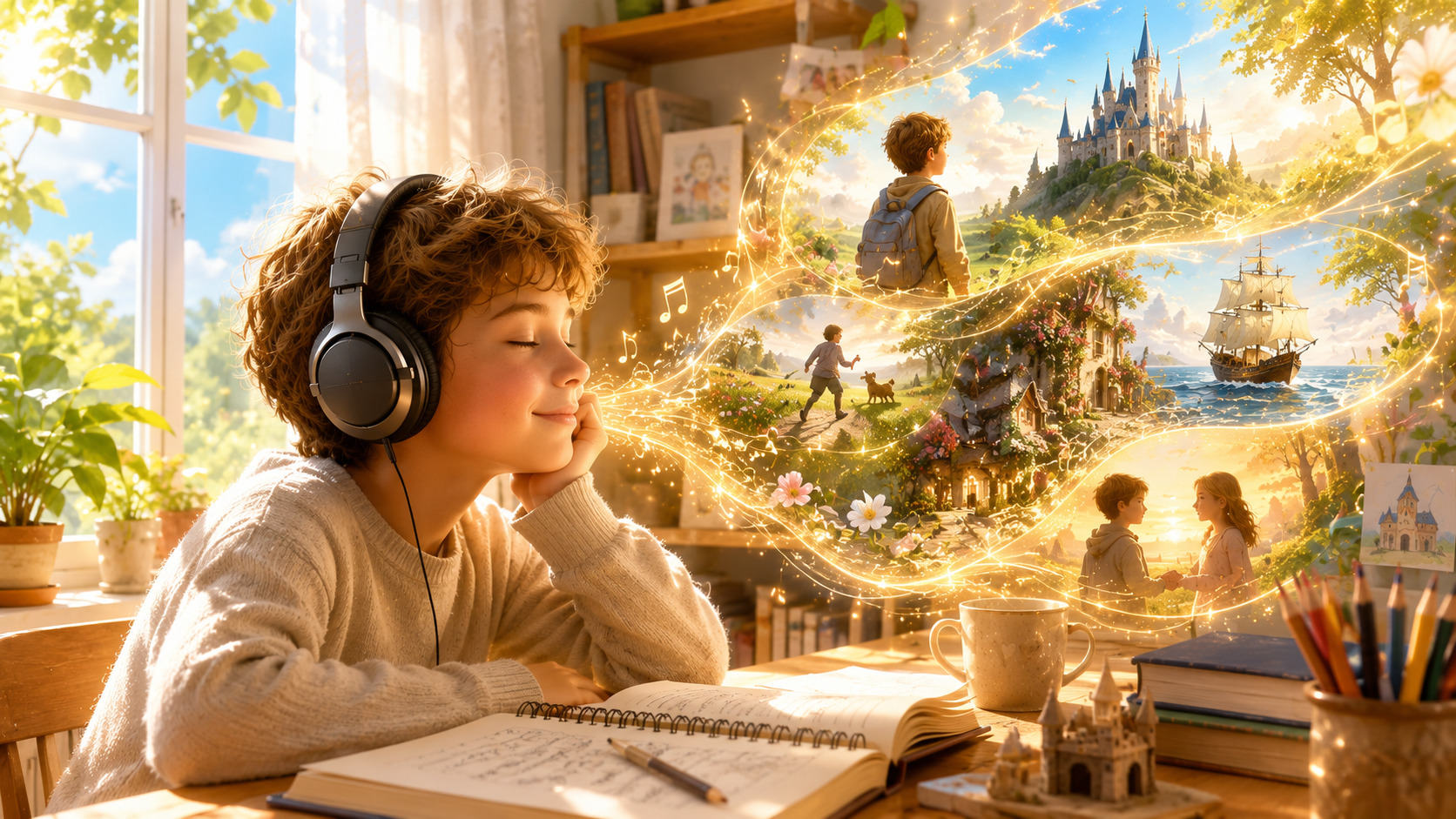
How to Create a Cinematic Storytelling Music Video with AI: A Complete Workflow
Learn how to transform a spoken story into a cinematic music video using an AI-powered workflow. This guide walks through every step—from writing a script and generating natural narration to audio editing and AI video generation—using tools such as ChatGPT, ElevenLabs, CapCut, and Sondo AI.
Storytelling is no longer limited to text and static images. Today, with the help of specialized AI tools, a simple narrated story can be transformed into a cinematic music video.
Rather than treating AI video generation as a way to create random clips, it's more effective to think of it as a structured production workflow—where each stage builds upon the previous one. By separating scriptwriting, narration, audio production, and video generation into distinct steps, creators gain greater control over pacing, emotional impact, and visual consistency.
The workflow below is one practical example:
Story → Narration → Audio Mixing → Music Video
Watch the final result in this video:
https://www.youtube.com/watch?v=SmZPeQRuhyw
Step 1: Write Your Story Script
Have a great idea but aren't sure how to turn it into a compelling story? Start by describing your concept and use ChatGPT to generate a complete spoken-story script with a clear emotional progression. For short-form platforms, stories between 30 and 90 seconds tend to work best.
A strong story typically includes:
A clear beginning, conflict, and resolution
Vivid visual descriptions
Smooth emotional progression
Short paragraphs that naturally divide into individual scenes
At this stage, there's no need to think about camera angles or editing. The goal is simply to build a solid narrative and emotional arc that will serve as the foundation for the rest of the production process.
Step 2: Generate Natural Narration
Once your script is finalized, convert it into a voice-over using a text-to-speech platform such as ElevenLabs.
Pay close attention to the following:
Speaking pace
Emotional delivery
Natural pauses
Voice consistency
The narration serves as the backbone of your entire project. Every pause, emphasis, and emotional shift helps shape the pacing and transitions of the final music video, making the visuals feel more natural and immersive.
Step 3: Prepare the Audio Track
Before generating your music video, create a polished audio track using an editor such as CapCut.
A typical workflow includes:
Importing the narration
Adding background music (or choosing a track from CapCut's built-in music library)
Balancing the background music with the voice-over
Applying fade-in and fade-out effects
Exporting a single mixed audio file
The final audio track becomes the foundation of your music video. By completing the audio first and generating visuals afterward, you allow the pacing of the video to naturally follow the rhythm of the narration, resulting in a more cohesive and engaging viewing experience.
Step 4: Turn Your Story into a Music Video
With your story, narration, and audio track ready, it's time to generate the final music video.
Upload the mixed audio file to an AI music video generator such as Sondo AI. The AI analyzes your audio—including its rhythm, emotional progression, and narrative flow—to create visuals that match the story. You can also provide prompts to guide the visual direction and achieve your desired style.
Before writing your prompts, define a few key elements for each scene.
Define the Core Visual
Ask yourself: What should the audience immediately understand in this scene?
For example:
A young boy walks through the hallway of an ancient castle.
Keeping each scene focused on a single visual idea helps the AI produce more coherent and cinematic results.
Establish the Visual Direction
Use prompts to guide the overall look and feel of the video, including:
Color palette
Lighting
Environment
Artistic style
Overall mood
Whether you choose realistic cinematography, animation, watercolor, or stylized illustration, maintaining a consistent visual style throughout the video is often more important than simply adding more prompt details.
Let the Audio Drive Scene Transitions
The AI automatically analyzes the audio track and generates scenes based on the story's pacing and emotional progression.
As the narration and music evolve, the visuals transition naturally to match the flow of the story. This audio-driven approach creates a music video that feels intentional, immersive, and cinematic rather than a collection of unrelated AI-generated clips.
Recommended AI Workflow
Every creator has their own preferred set of tools. A typical AI storytelling workflow looks like this:
ChatGPT — Write and refine the story script
ElevenLabs — Generate natural-sounding narration
CapCut — Mix the narration with background music and export the final audio
Sondo AI — Transform the completed audio into a cinematic music video
Why This Workflow Works
Many creators start by generating visuals first and add narration later. In practice, reversing the process often leads to better results.
By establishing your story and audio before generating visuals, every scene has a clear purpose and timing. The AI can create shots that naturally follow the narration, resulting in smoother transitions, more consistent storytelling, and a stronger emotional impact.
This workflow also makes the creative process more efficient. Instead of repeatedly regenerating clips through trial and error, you can refine individual scenes while keeping the overall narrative and visual style consistent, saving both time and production costs.
Creating a compelling AI music video is no longer about relying on a single tool—it's about building an efficient creative workflow.
By starting with a strong story, refining the narration, preparing a polished audio track, and then generating visuals that follow the narrative, creators can produce music videos that are more cohesive, emotionally engaging, and visually consistent.
If you're looking for an AI music video generator that transforms stories into cinematic visuals, Sondo AI streamlines the final stage of the workflow. By analyzing your audio, narrative flow, and creative prompts, it helps turn spoken stories into high-quality music videos with synchronized visuals—making it easier to bring your ideas to life.
Whether you're creating content for YouTube, TikTok, Instagram Reels, or personal projects, a story-first workflow combined with the right AI tools can help you produce professional-looking music videos faster and more efficiently.